remove.bg says on its own website that the site will no longer be available from 1 December 2026 at 9:00am CET, which is 3:00pm in Thailand, and that background removal is moving to Canva (read 30 September 2026). What to use instead depends on the job. If you cut out up to 3 product photos a day and want a transparent PNG (a picture file with no background colour) with no sign-up, our free background remover works, and we tested it on 5 images. If you need to fix edges by hand, pick a new background or cut in batches, look at Canva and Photoroom. This page has remove.bg's notice in full, what to do before the closing date if you have an account, a table comparing Canva, Photoroom, iLoveIMG and our tool, every fact from the tool's own page with the date read, and our test results. GenLabs makes the last tool in the table, so we say so up front.
When does remove.bg close, and what does its notice say?
remove.bg closes its website on 1 December 2026 at 9:00am CET. That day is a Tuesday. CET is one hour ahead of UTC and Thailand is seven hours ahead, so the gap is six hours: 9:00am CET is 3:00pm in Thailand (our calculation).
The whole notice on remove.bg's banner (read at https://www.remove.bg/ on 30 September 2026; the Thai page https://www.remove.bg/th gives the same date and time):
"remove.bg's background removal is moving to Canva. The standalone website will no longer be available from 1 December 2026 at 9:00am CET. You can learn more here, and visit our updated General Terms and Conditions."
remove.bg's FAQ (https://www.remove.bg/faq, read 30 September 2026) says why: remove.bg became part of Canva in 2021, and it is now moving its background removal into the Canva platform, "rather than maintain two separate products". The same FAQ recommends Canva itself: "For single images and bulk batches, Canva is the best replacement", and says Canva's Background Remover "uses the same background-removal technology as remove.bg". That is remove.bg's own word, not our test. What ends is more than the upload page. The table sums up what the FAQ says.
| remove.bg's | After 1 Dec 2026 at 9:00am CET | The FAQ says |
|---|---|---|
| The website | Not available; background removal moves to Canva | Canva offers background removal as part of its design platform; you can remove the background from any image directly within a Canva design |
| Accounts and account data | Not accessible | Export your credit usage report and invoices before then; you cannot download them afterward |
| Self-service API | Stops accepting requests; API access moves to Leonardo.ai | Enterprise API contracts are not affected |
| Photoshop plugin | Not available | Try Affinity; its background removal runs on Canva AI and needs a Canva Pro subscription |
| Other integrations and plugins | Discontinued | Explore Canva's own plugins and integrations instead |
If you have a remove.bg account, what to do before 1 December
Before 1 December 2026 at 9:00am CET, use the credits you paid for and download your invoices. On money, remove.bg's FAQ (https://www.remove.bg/faq, read 30 September 2026) says:
- Monthly subscription: works normally until 1 December at 9:00am CET and ends automatically after that. A final renewal on or after 1 November is free. To cancel earlier, use remove.bg's dashboard.
- Annual subscription: works normally until 1 December, then ends automatically and you are not charged again. If you have unused time beyond that date, you get a pro-rata refund to your original payment method, with no action needed.
- Pay-as-you-go (PAYG) credits: unused credits expire on 1 December. remove.bg recommends using them before the migration date.
- Account data: export your credit usage report and invoices from your Account page before the closing time.
- API: the self-service API stops accepting requests on 1 December. Enterprise customers are not affected. The FAQ points to Leonardo.ai's API and its migration guide.
Choose by the job: how many product photos a day, and what happens after the cut-out
Ask three questions: how many photos a day, whether you need to fix edges or change the background afterward, and whether you will sign up first. The table matches jobs to options. The reasons come from each tool's own page (sources under the next table), and we did not test anyone else's tool.
| Your job | Look at | Why, from its own page |
|---|---|---|
| Up to 3 product photos a day, a transparent PNG, no sign-up | GenLabs' free tool | Free 3 times a day, no sign-up. In our 5 test runs the result was a transparent PNG at the same pixel size as the upload. It has no edge brush and no new-background option [8] |
| You need to erase or restore parts of the background yourself, or pick a new background from a library | Canva | Canva's Background Remover page says you can erase or restore parts of the background and pick a new background from its stock library. See the free-plan question in the next section [3][4] |
| You want transparent, white or a colour in one place, and a PNG, JPEG or WEBP file | Photoroom | Photoroom's page says you can keep it transparent, make it white or pick a colour, download as PNG, JPEG or WEBP, and it works on mobile and desktop [5] |
| Many photos at once | Canva, Photoroom or iLoveIMG | Canva's English plan table has a row "Remove backgrounds from images and videos", marked "Unavailable" on the Free plan, and remove.bg says Canva removes backgrounds in bulk [1][4]. Photoroom's page mentions batch editing [5]. iLoveIMG's pricing table lists 3 files at once for its background remover [6] |
| You sell on Shopee and want to cut inside Shopee | Media Library (คลังมีเดีย) in Shopee Seller Centre | Shopee's Seller Education Hub says the Media Library has a background-removal tool (we did not test it) [7] |
| You need to call it from a program (API) | Leonardo.ai's API | remove.bg says its API moves there. We have not opened Leonardo.ai's page, and we do not offer an API [1] |
The options side by side, from their own pages as of 30 Sep 2026
The table gives each option the same four questions. Every cell comes from the official page named in the source list, read on 30 September 2026. We print no plan prices: the prices Canva and Photoroom showed us were in Malaysian ringgit, not baht, so open their pricing pages yourself.
| Option | Free use | Files in and out | After the cut-out | Batch |
|---|---|---|---|---|
| remove.bg (until 1 Dec) [1][2] | Its home page says "100% Automatically and Free". Its pricing page says credits are for full-resolution cut-outs, removing the background from 1 image takes 1 credit, and preview images are free on remove.bg | Its home page says you can make the background transparent (PNG) or add a white one | A Magic Brush menu on the home page (we did not try it) | Its English home page mentions bulk editing |
| Canva [3][4] | The Thai Background Remover page says "ฟรี" (free) in its headline and to sign up for Canva Pro for unlimited use; the English page says "Sign up for Canva Pro for unlimited usage". Canva's English plan comparison lists "Remove backgrounds from images and videos" as "Unavailable" in Free and available in Pro, Business and Enterprise. We did not try it with a free account | JPG, PNG, HEIC, HEIF or a stock photo from Canva's library; download as a high-resolution PNG with a transparent background (no pixel size given) | Erase or restore parts of the background; pick a new background from the stock library; done in the Canva editor with BG Remover on the toolbar | remove.bg says Canva handles bulk batches [1]; Canva's English plan table lists background removal as "Unavailable" on Free [4] |
| Photoroom [5] | The page says you can start free to remove backgrounds, and upgrade for more AI editing tools and high-resolution export. The pages we read do not say how many photos the free plan allows | Upload a JPEG or PNG of any size; download PNG, JPEG or WEBP | Keep it transparent, make it white or pick a colour; mobile and desktop | The page mentions batch editing and an API |
| iLoveIMG [6] | Its pricing page lists the free plan as "Limited document processing" and Premium as unlimited; it gives no number for the free plan. The plan comparison says the free plan has "Limited tools" and does not say whether the background remover is one of them | The tool page says it removes the background of JPG and PNG images. The pricing table lists a file size of 6 MB per task for the background remover | A slider to compare the original with the edit, then confirm to download | The pricing table's "Batch processing" row lists 3 files for the background remover |
| GenLabs (our tool) [8] | 3 times a day, no sign-up | PNG, JPG or WebP up to 10 MB, one at a time; a transparent PNG at the same pixel size as the upload (5 of 5 runs). Our page does not list HEIC | No edge brush and no new-background option in this tool | No, one at a time |
Sources, read 30 September 2026 (we opened every page ourselves):
- [1] remove.bg: https://www.remove.bg/ and its FAQ https://www.remove.bg/faq (Thai: https://www.remove.bg/th and https://www.remove.bg/th/faq)
- [2] remove.bg pricing: https://www.remove.bg/pricing
- [3] Canva Background Remover: https://www.canva.com/features/background-remover/ (Thai: https://www.canva.com/th_th/features/background-remover/)
- [4] Canva plan comparison: https://www.canva.com/pricing/ (Thai: https://www.canva.com/th_th/pricing/)
- [5] Photoroom: https://www.photoroom.com/tools/background-remover (Thai: https://www.photoroom.com/th/tools/background-remover)
- [6] iLoveIMG: https://www.iloveimg.com/remove-background and https://www.iloveimg.com/pricing (Thai: https://www.iloveimg.com/th/remove-background)
- [7] Shopee Seller Education Hub (Thai-language pages; the English wording here is ours): https://seller.shopee.co.th/edu/article/6985 (page dated 19-09-2024) and https://seller.shopee.co.th/edu/article/19781 (page dated 23-09-2025)
- [8] Our test results in the next section, and https://genlabs.in.th/en/tools/background-remover
Plainly: we did not run this set of images through remove.bg, Canva, Photoroom or iLoveIMG. The table says only what each company wrote on its own page, not which one cuts more cleanly. On Canva's free plan, its two pages do not agree. Try a free account before you plan a whole catalogue around it.
Test results for GenLabs' free tool: 5 product images made in GenLabs
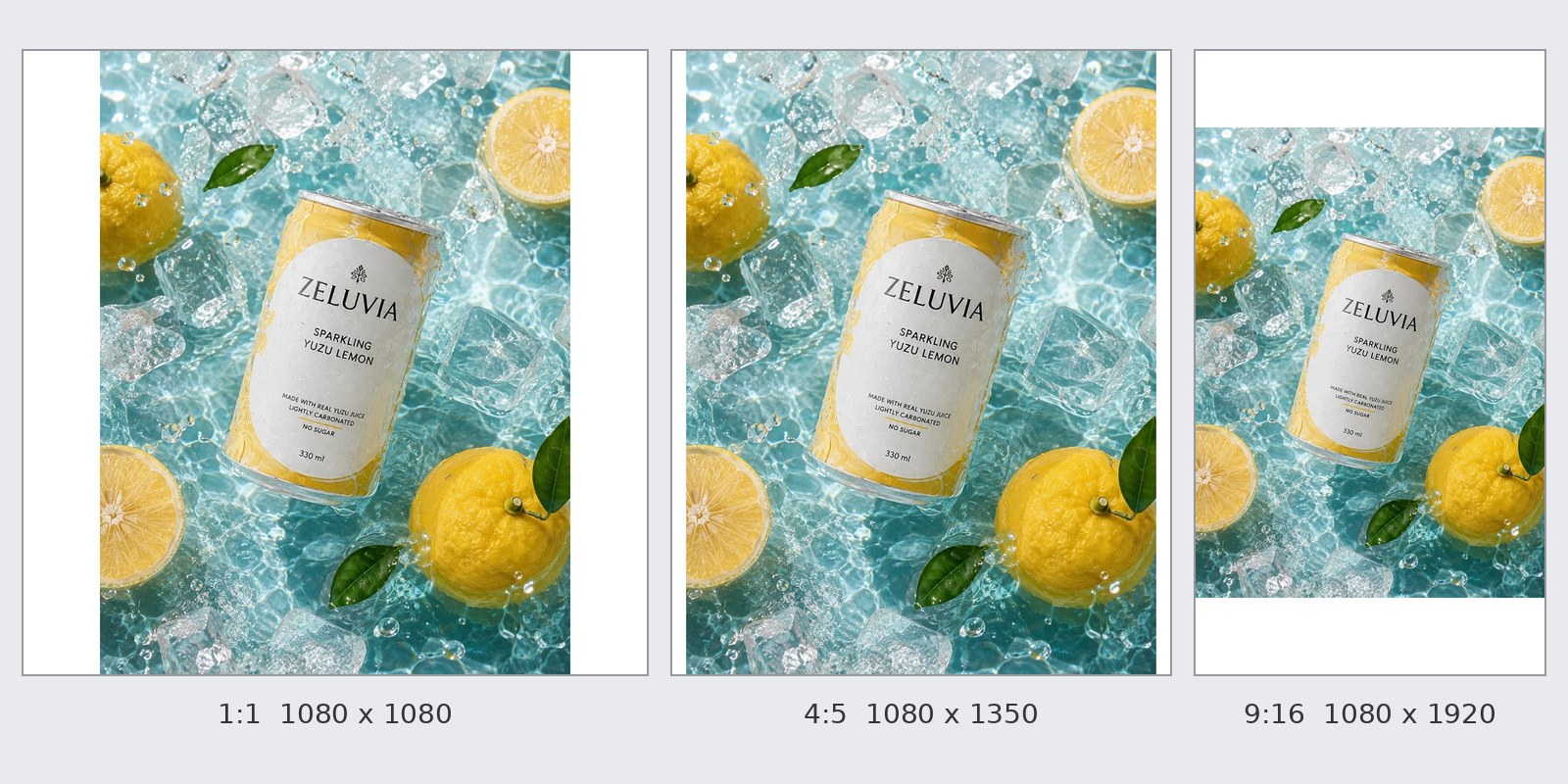
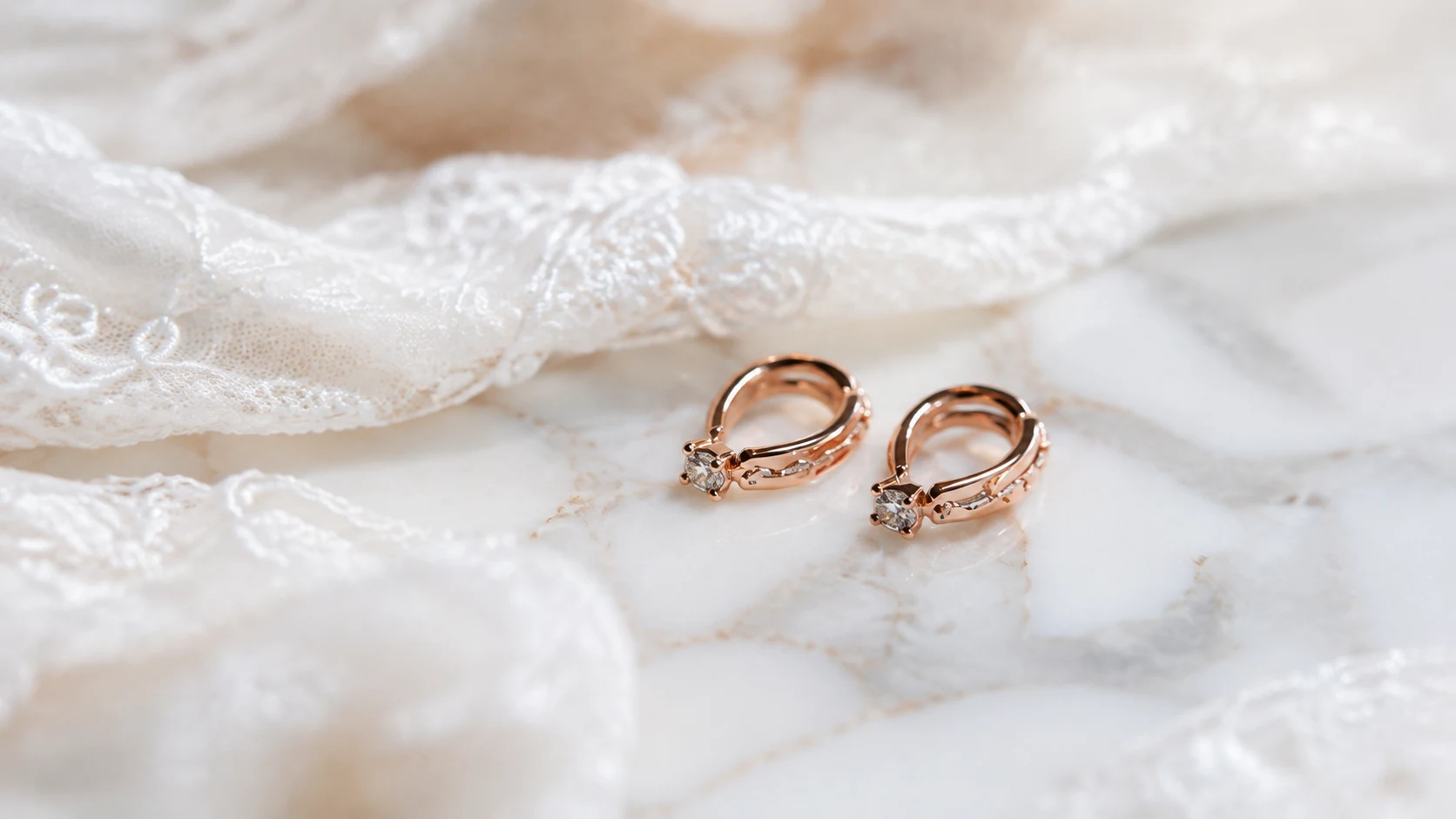
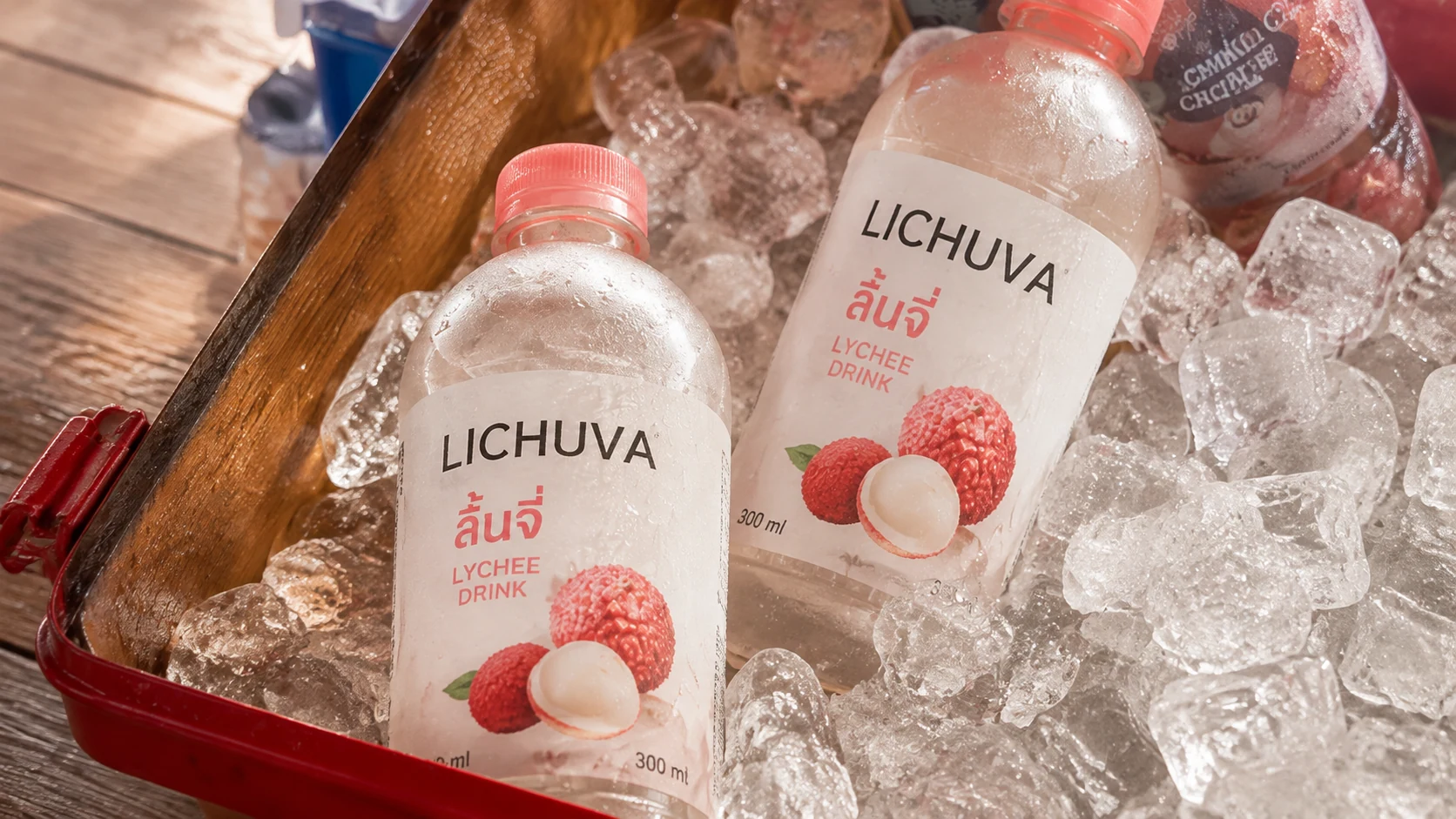
We sent 5 images made in GenLabs through this tool. All 5 came back as a PNG with a transparent background (a picture with no background colour, so any colour you put behind it shows through), the same pixel size as the image we sent (a 1086×1448 image came back 1086×1448, and a 1672×941 image came back 1672×941), with the subject's colours unchanged. It took 8.2-19.3 seconds a run, median 8.9. Partly see-through pixels are 0.8-5.8% of each image. Tested on 29 September 2026 at 22:59-23:01 UTC (05:59-06:01 in Thailand on 30 September) on our development site, not logged in, after we updated the tool. The limits we saw are the edges of a glass sheet under the product (image 2) and a ragged lower edge where foam covers the bottle (image 4).


| Image we sent | What the result shows | Seconds |
|---|---|---|
| 1. A tea tin, a tea bowl and leaves on a round table | The tin is cut out, the tea bowl and the leaves beside it are kept, and the label text is readable; a thin olive line runs along the top edge of the lid (1.6% partly see-through) | 8.5 |
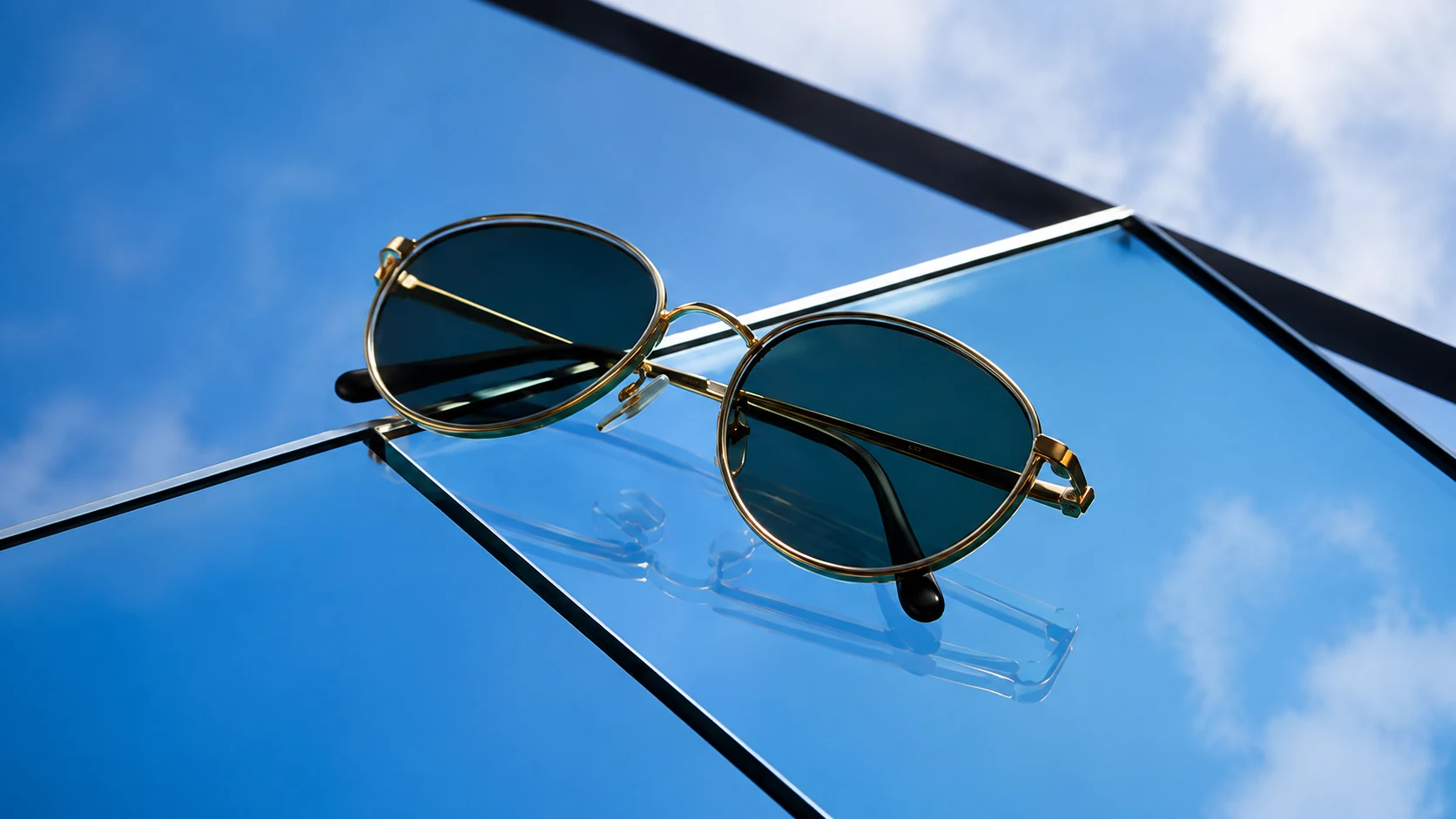
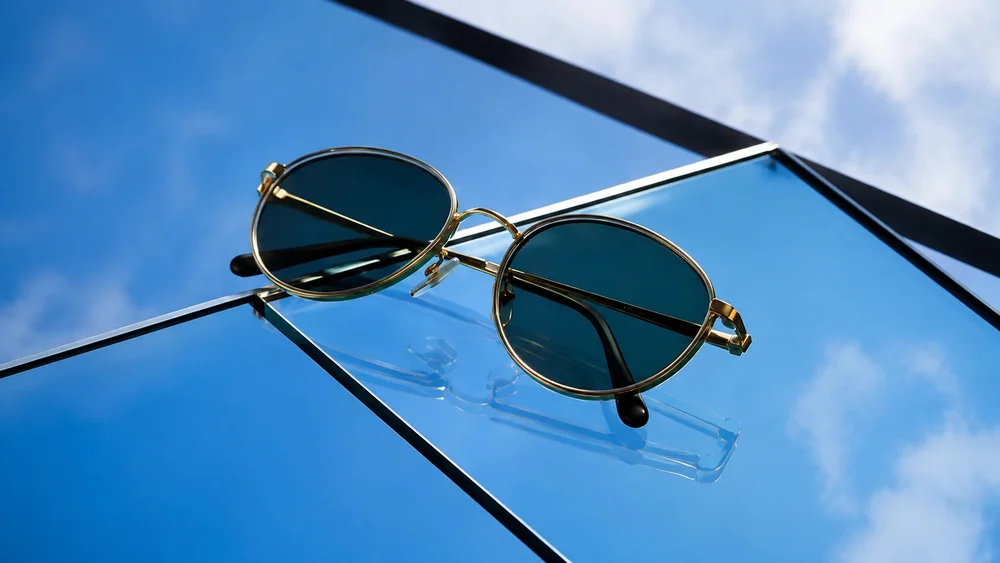
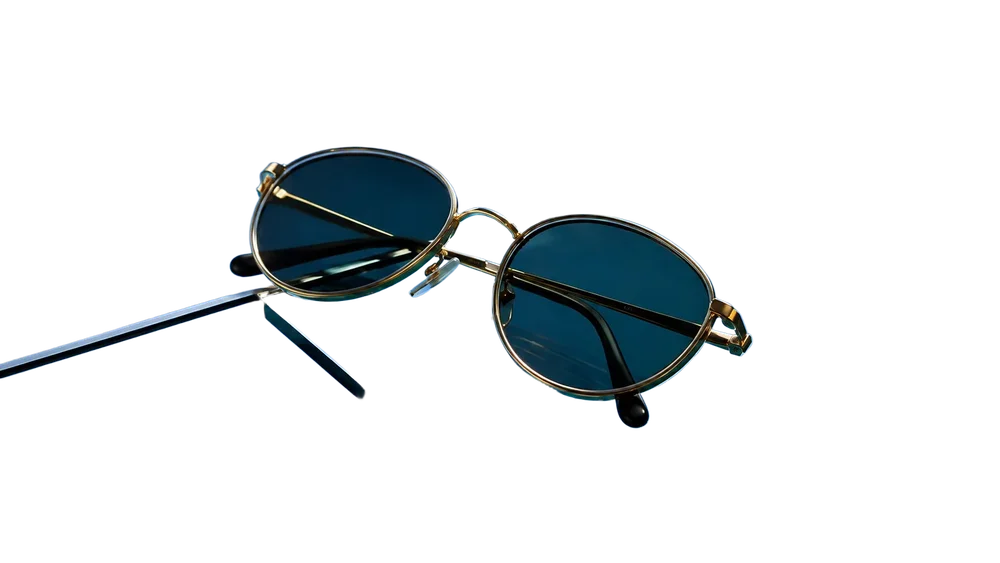
| 2. Gold-framed sunglasses on a sheet of glass (dark lenses, thin frame) | The gold frame and lenses are cut out completely and the reflection is gone. But two dark edges of the sheet of glass stay (1.7% partly see-through) | 11.9 |
| 3. A woman in sunglasses and a scarf with wind-blown hair (fine edges) | The flying strands of hair are kept as strands, and the scarf, earring and lenses are intact. 5.8% partly see-through, the most of the five. On a dark background the finest outer strands show a faint blue cast (the original background is sky); on white we saw none | 8.2 |
| 4. A blue plastic laundry detergent bottle in a wicker basket full of foam (glossy plastic, foamy edge) | The bottle and its label are solid and the label text is readable. The lower edge of the bottle is ragged where foam hid the bottle in the photo (2.5% partly see-through) | 19.3 |
| 5. A soap, its box and a ceramic dish (sent as a PNG file) | The soap bar and its box are solid and the label text is readable. The dish, the half lime and the leaves are not in the result (0.8% partly see-through) | 8.9 |
Cut out your product photo now. Free, 3 a day, no sign-up.
Try the free background removerAfter the cut-out, what to check before listing on Shopee
Shopee recommends a white background, and images uploaded to its Media Library must be 2 MB or less. The five transparent PNGs we kept from our tool are 1.07-2.51 MB, and one of them (the laundry detergent bottle, 2.51 MB) is over 2 MB, so check the file size before you upload.
- A white background: Shopee's Seller Education Hub (https://seller.shopee.co.th/edu/article/19781, page dated 23-09-2025, read 30 September 2026) says to photograph the product clearly in good light and to use a white background. The same page says a cover image must not be edited so that the product looks different from reality, and must carry no watermark, logo or text that hides the product. Our free cut-out tool gives a transparent PNG, so you place it on white yourself. Our change background to white tool does that; its own page has the file numbers and limits. Photoroom's page says you can choose white when you cut.
- File size: Shopee's Seller Education Hub (https://seller.shopee.co.th/edu/article/6985, page dated 19-09-2024, read 30 September 2026) says the Media Library in Seller Centre accepts JPEG, JPG and PNG image files only, up to 2 MB each. A file over 2 MB can be reduced with our free image compressor, and a PNG stays a PNG. For Lazada and other platforms see product image sizes for every platform, 2026.
- Cutting inside Shopee: the same page says the Media Library has a background-removal tool with three modes: product, logo and person. We did not test it. If you sell only on Shopee, try it against the options above.
- Before every listing: put the cut-out on white and on a dark colour, and compare the edges, the label and the text on the product with your original photo. If the photo is not right yet, read how to shoot product photos with a phone so they cut out easily.
Limits of this page and of our tool
- The table is from each company's own page. We tested only our own tool. We did not test remove.bg, Canva, Photoroom, iLoveIMG or Shopee's Media Library.
- No prices are printed. Prices and free-use counts change; open each page before you decide.
- Canva's free plan. Canva's two pages do not agree, and we did not try a free account.
- Our tool. Free 3 times a day, one image at a time, no edge brush, no new-background option. The edges of a glass sheet under the product can stay in the cut-out, and where something covers the product in your photo (foam, for example) only the visible part is cut out. We have not tested animal fur or a clear bottle. The 5 runs were not logged in, on our development site, and not on a real phone.
- Dates move. Every fact about another company is as of 30 September 2026. After 1 December 2026 we will rewrite this page as something that has already happened.
If you are cutting out the background because you need product images to sell
If you are cutting out the background because you need product images for your shop, your posts or your ads, you may not need to cut anything yourself. Bring one product photo (a phone photo is fine) and pick a direction. GenLabs writes the prompts for you, so you do not have to. You get a set of images in 2 minutes, and you can schedule posts to TikTok, Instagram and Facebook from one place. 700+ Thai businesses have paid for GenLabs. To see what AI can do with a product photo first, read AI product photos, or compare several apps in AI product photo apps compared.
Frequently Asked Questions
When does remove.bg close, and can I still use it?
You can use it until 1 December 2026 at 9:00am CET (3:00pm in Thailand). After that the remove.bg website is unavailable and background removal moves to Canva, according to the banner on remove.bg read on 30 September 2026. Accounts, credits and plugins end the same day. See sections 1 and 2.
What can I use instead of remove.bg for free?
remove.bg points to Canva, but Canva's English plan comparison lists background removal as "Unavailable" in the Free plan. Other options that say you can start free are Photoroom (its page does not say how many photos), iLoveIMG (its free plan has "Limited document processing") and GenLabs' free tool, which gives 3 a day with no sign-up. Match the option to your job with the table in section 3.
Does remove.bg still give free HD, and what size did free give?
remove.bg's pricing page (https://www.remove.bg/pricing, read 30 September 2026) says credits are for full-resolution cut-outs, removing the background from 1 image takes 1 credit, and preview images are free on remove.bg. The page's own interface text also has "Good Quality: up to 0.25 megapixels" and "Best Quality: up to 50 megapixels". 0.25 megapixels is about 500 × 500 pixels for a square picture (our calculation). Our free tool returned the same pixel size as the upload in 5 of 5 runs, for example 1086×1448 back as 1086×1448 (about 1.57 megapixels).
I paid for remove.bg monthly or yearly. Do I get a refund?
remove.bg's FAQ says an annual plan with unused time after 1 December gets a pro-rata refund to the original payment method with no action needed. A monthly plan works until 1 December and then ends, and a final renewal on or after 1 November is free. Unused pay-as-you-go credits expire on 1 December.
Is Canva's background remover free?
Canva's Background Remover page says it is free in its headline and asks you to sign up for Canva Pro for unlimited use, but Canva's plan comparison (read 30 September 2026) lists "Remove backgrounds from images and videos" as "Unavailable" in Free and available in Pro. We did not try it with a free account, so we cannot say how many photos a free account can cut. Try it before you plan a whole catalogue around it.
Do I need a white background for Shopee product photos?
Shopee's Seller Education Hub (page dated 23-09-2025) recommends a white background, and says a cover image must not be edited so that the product looks different from reality. The Media Library in Seller Centre accepts JPEG, JPG and PNG up to 2 MB each (page dated 19-09-2024). Our free tool gives a transparent PNG, so place it on white yourself before you upload (Photoroom's page says you can choose white when you cut). See section 6.
Got a product photo? Let GenLabs make the image set, then schedule the posts from one place. 700+ Thai businesses have paid for GenLabs.
Start with GenLabs