GenLabs Fashion
Make images and videos for your clothing shop with AI, from a phone photo
Take a phone photo of each piece and upload it. GenLabs makes product images, ad images and a 10-15 second video, 2 minutes a set, with no prompts to write. You can also schedule the posts to TikTok, Instagram and Facebook. Plans start at ฿599 a month, and 700+ Thai businesses have paid for GenLabs.
What pictures and clips does a clothing shop need?
Every time new stock arrives, a clothing shop needs four kinds of pictures and clips. This table shows what each job needs and which part GenLabs does.
| Job | What it needs | GenLabs makes | Section |
|---|---|---|---|
| Cover and listing images | A clear picture of the whole garment on a plain background, to the rules of Shopee, Lazada and TikTok Shop | Product images ready to list, resized for each channel | Listing images |
| Look pictures in a real scene | Pictures that show a customer how the piece looks in real life | Images in a scene, in the direction you pick, such as Fashion | Fashion examples |
| Outfit video | A vertical clip for TikTok and Reels | A 10-15 second video with a Thai AI presenter you can choose | Outfit video |
| Ads and posts | Ad images and captions for the new collection | A set of ad images, and post scheduling | Ads and captions |
Listing images for Shopee, Lazada and TikTok Shop
The cover image should show the whole garment clearly on a plain background. Each platform has its own rules on how many images to add and what size they are. This table sums up each platform's seller help pages, read on 29 September 2026.
| Platform | Number and size of images | Fashion only | Cover or main image |
|---|---|---|---|
| Shopee | Up to 9 images including the cover, from 500x500 pixels | 1 extra size chart image | A white background is recommended, with no watermark, logo or text over the product |
| Lazada | At least 1 image, 3 or more recommended, 330x330 to 5000x5000 pixels, up to 3 MB a file | A 3:4 long image counts toward the product score, in the fashion category only | A white-background image also counts toward the score |
| TikTok Shop | Up to 9 square 1:1 images, from 600x600 pixels | - | A solid background, white recommended, the front of the product, and the product at least 60% of the frame |
Sources: Shopee Seller Education · Lazada Seller Center Thailand (product score) · Lazada Seller Center Thailand (image size) · Lazada Open Platform (file size) · TikTok Shop Academy Thailand
GenLabs resizes your image for a Shopee listing, a Lazada banner, an Instagram feed or story, TikTok and a Facebook ad. On a paid plan, resizing costs no credits. To only cut out a background or resize a photo you took, use the free tools. They need no account: Remove the background from your product photo, and Resize the photo for every platform. The size table for every platform is at Image size table for Shopee, Lazada, TikTok Shop.
Fashion images made with GenLabs
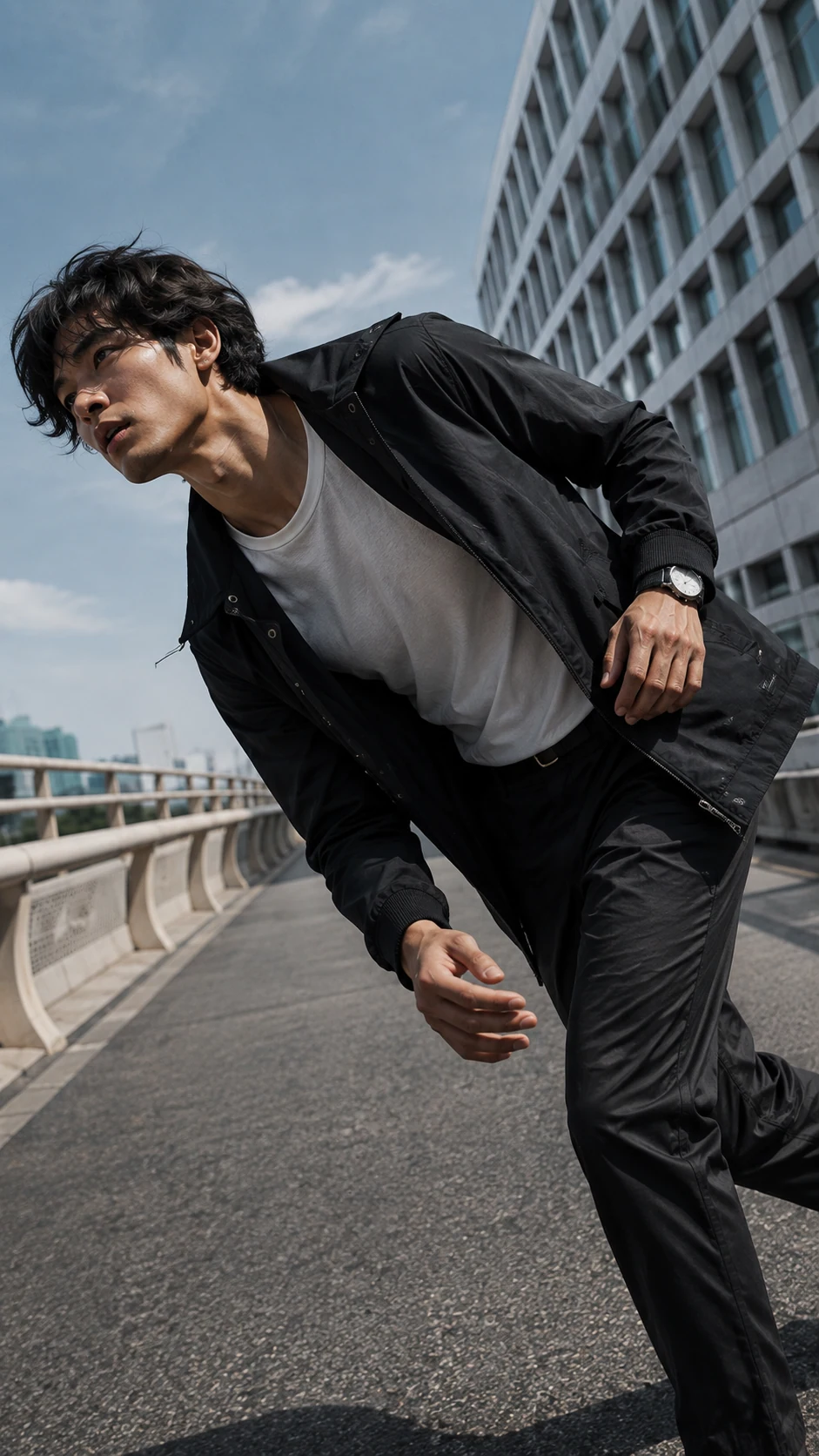
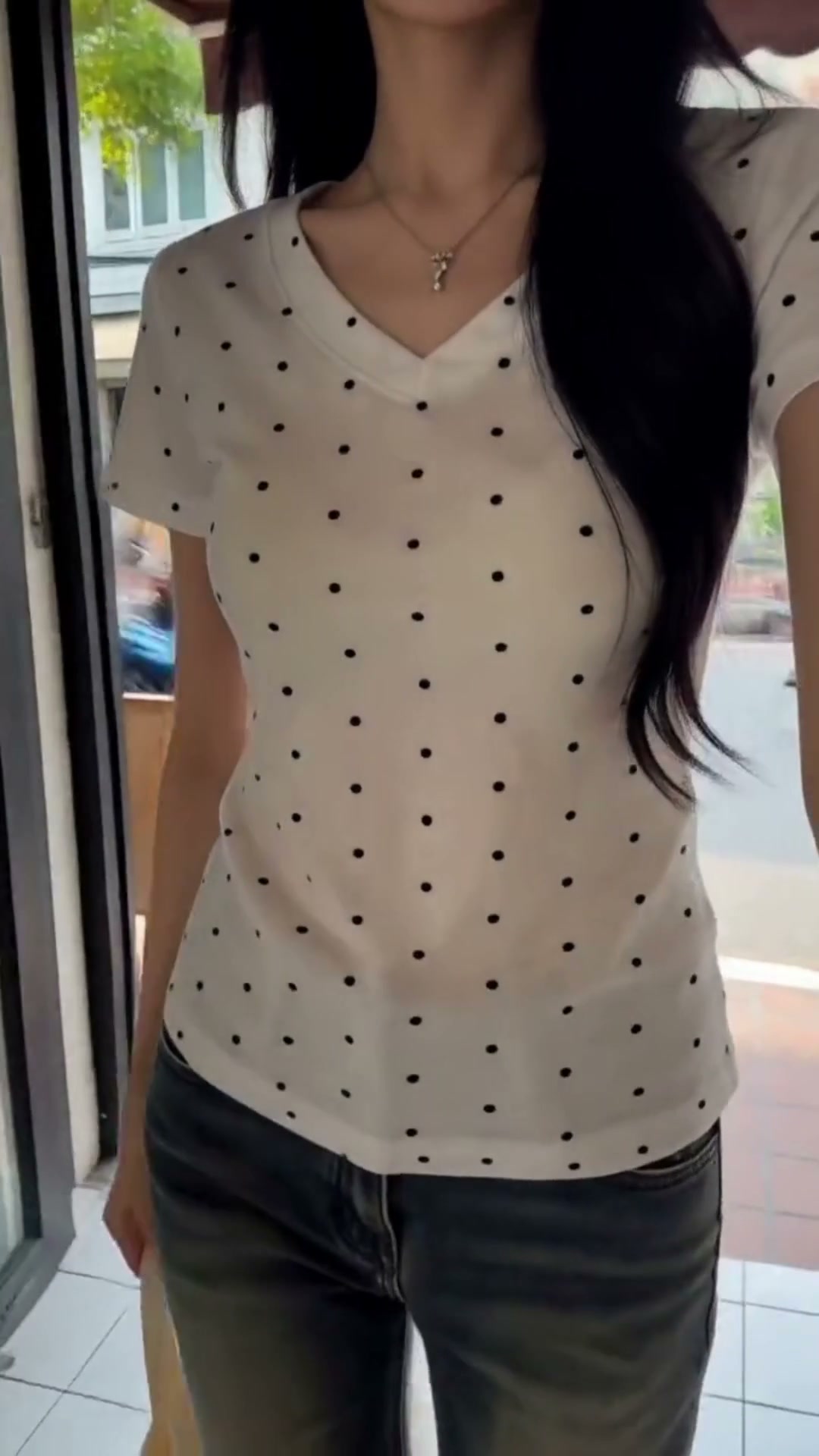
Here are 4 fashion images from the concept library on the GenLabs home page. Every brand in them is invented. Each shows a person wearing or carrying the product in a real-looking place, so you can see what a GenLabs fashion image looks like. They are not before and after pictures of a customer. They are concept images, not made from a customer's garment photo.
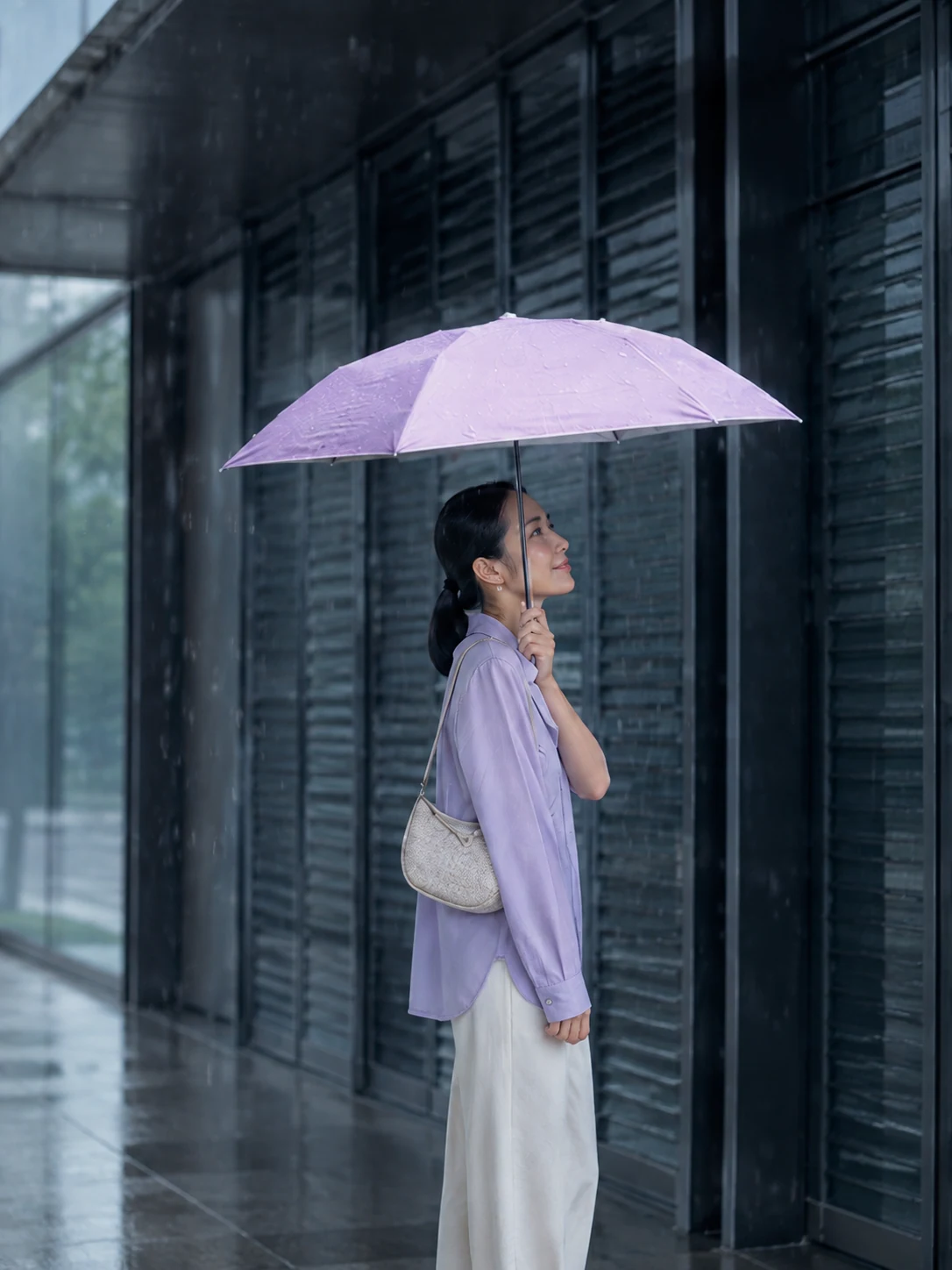
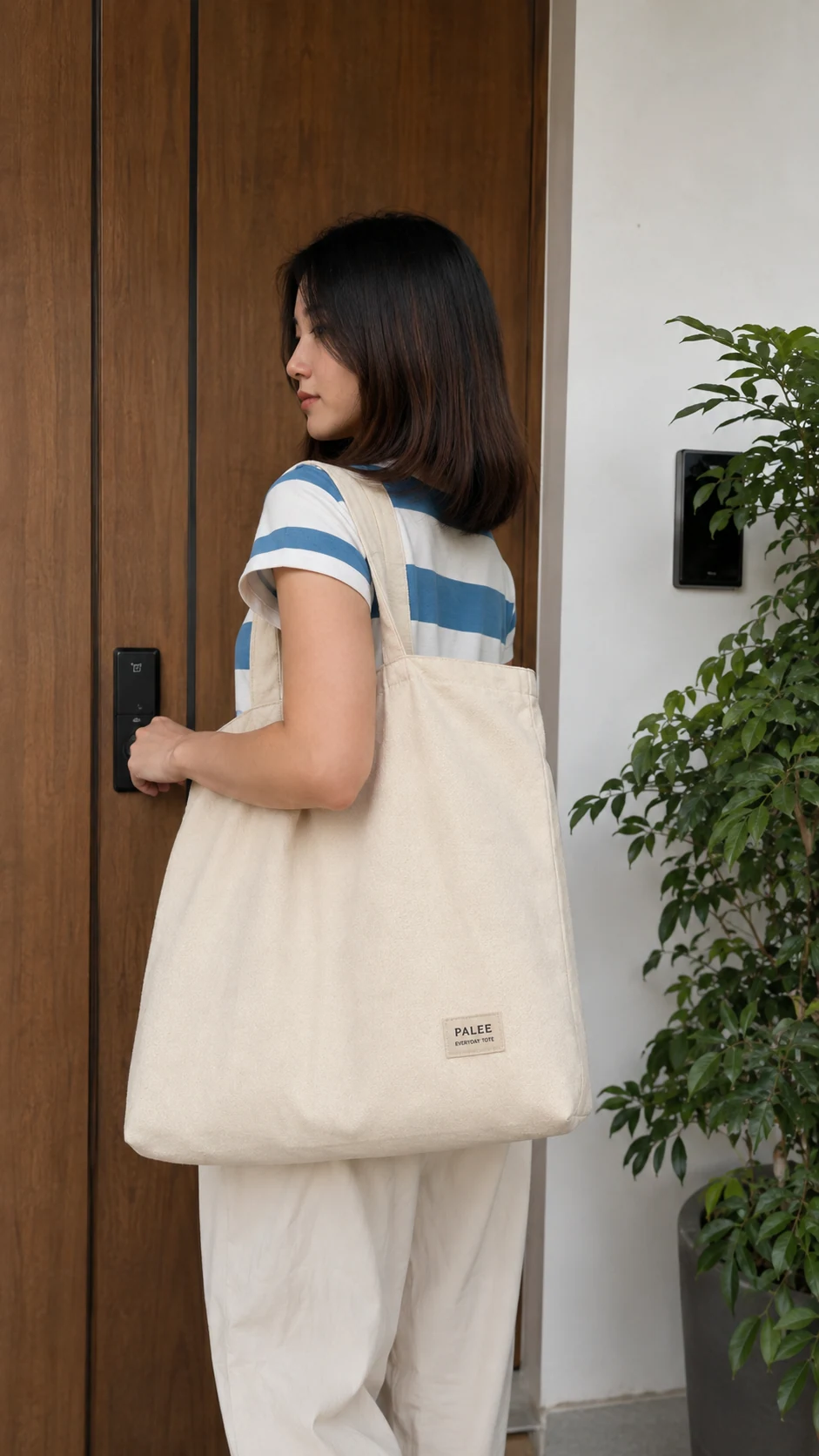
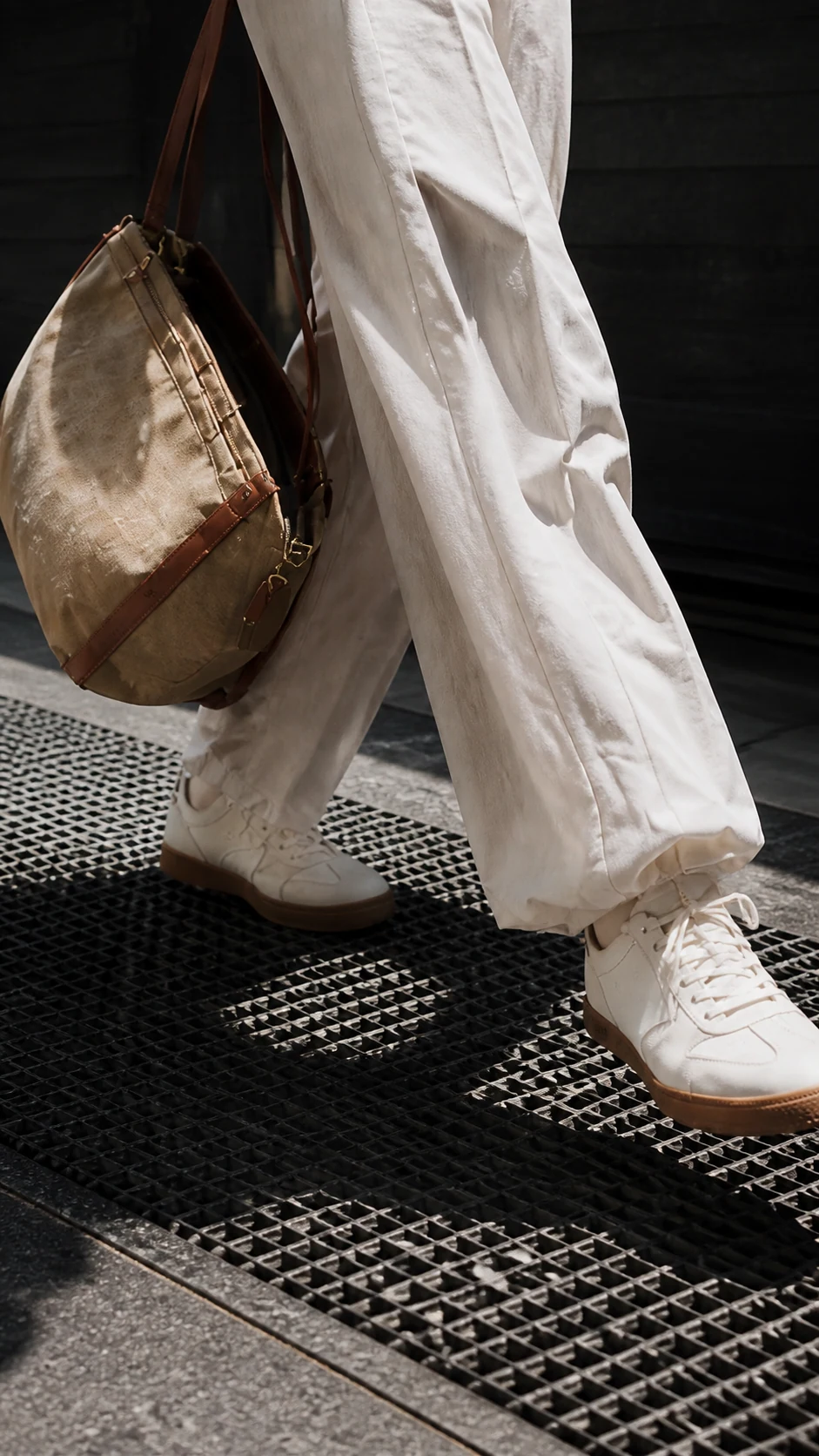
A picture like this can show clothes without a clear view of a face. Picture 4 is cut to the trousers and shoes, and in picture 3 she has her back to the camera. In the app you pick a direction, such as Fashion, and if you want to add your own touch, you can type it in.
A 10-15 second video that shows the outfit
GenLabs makes a vertical video, 10-15 seconds long, from a product photo and a short brief. You pick a Thai AI presenter, a personality and a scene. The clip fits TikTok, Reels and Shorts, and you do not book a shoot.
To show several pieces, make one clip per piece. Question 4 in the FAQ below says how many credits a clip uses. There is more about video at Turn a product photo into a video.
Make clothing images and video in GenLabs in 5 steps
It takes 5 steps. Photograph the garment. Upload it and pick a direction. Let GenLabs create. Check the result against the real garment. Then resize and post.
Take a phone photo of the garment so the whole piece shows, in bright light.
Upload the photo and pick a direction, such as Fashion, or choose video. If you have a logo and brand colours, save them in your Brand Kit and reuse them on every job.
GenLabs writes the prompts and creates the set, 2 minutes a set. If you want to add your own touch, you can type it in.
Check every image and clip against the real garment: colour, fabric, fit and Thai text.
Resize for the channel. Then download it, or schedule the post to TikTok, Instagram and Facebook.
New stock arrives today. You take the photo today. You can post the images and the clip today.
The photos to take before you upload
- Use window light, and no flash.
- Lay the piece on a plain, light floor or hang it on a plain wall. Smooth it so the collar, sleeves and hem all show.
- Shoot straight on, not tilted, with the whole piece in the frame.
- Check the colour on your screen against the real garment and get it as close as you can.
- Take the size tag, buttons, zip and fabric pattern as separate photos. Use them as extra images in the listing.
Ads and captions for selling clothes
Ad images are made from the same garment photo. You can export them in the sizes for an Instagram feed and story, TikTok and a Facebook ad. When you schedule a post, GenLabs writes an AI caption for supported accounts. To write a clothes caption that fits the photo, see the examples at Captions for selling clothes. To make a whole set of ad images, see Make product ad images with AI.
What does it cost?
You make images and videos on a monthly GenLabs plan. The smallest plan is Startup at ฿599 a month. Pay by card with a monthly renewal, or by PromptPay, paid once for 30 days.
- Startup ฿599 a month (1 connected social account)
- Pro ฿1,990 a month (unlimited social accounts)
- Business ฿4,990 a month (unlimited social accounts)
- See all plans and prices
How many credits one image and one clip use is in question 4 of the FAQ below.
What to know before you start
The images and videos must match the real garment. Look at every image and clip before you post. Check the colour, the fabric and the fit most of all.
- Colours on a screen can differ from the real garment. Check against the real piece in daylight, and keep the photos you took yourself in the listing too.
- AI often gets fabric, wrinkles and the way cloth hangs wrong. The Thai tech site Beartai reported on 20 February 2026 that AI images used without a check lead to "product not as pictured" problems.
- An image is not a size chart. Put the size chart image in the listing every time (Shopee adds 1 extra image for fashion products).
- The example images and clip on this page were not made from a customer's garment photo, and this page does not yet show a shop's own garment worn by a person.
- Check every letter of the Thai text on the images and the video before you use them.
- The video is 10-15 seconds long. The presenter is a character made by AI, not a real person.
- Signup does not include a free video. The trial credits you get at signup are for trying images, and plan credits do not carry over to the next period.
Frequently asked questions
How do I photograph clothes to sell so they look good?
Use window light. Lay the piece on a plain, light floor, or hang it on a plain wall. Smooth it and shoot straight on, so the whole piece shows. Check the colour on your screen against the real garment. Take the size tag and details as separate photos. Then upload the photo to GenLabs to make product images, ad images and a video. There is a fuller phone guide at Shoot sharp product photos from the start.
What images do clothing listings need on Shopee, Lazada and TikTok Shop?
Shopee takes up to 9 images including the cover. It adds 1 extra size chart image for fashion and recommends a white background. TikTok Shop uses square images of at least 600x600 pixels. Its main image needs a solid background, white recommended, and the product at least 60% of the frame. Lazada counts a white-background image and a 3:4 long image, for fashion only, toward the product score. This follows each platform's seller help pages, read on 29 September 2026.
Will the AI image match my real garment?
Not every time. AI may get the colour, the fabric or a small detail wrong. Look at every image and clip next to the real garment before you post. Check the colour, fabric, fit and the Thai text on the image. Before you upload, take a photo of the whole piece in bright light. Keep the photos you took yourself in the listing too.
How many credits do the clothing images and videos use?
A standard image uses 1 credit, and one run makes up to 4 images. A 10-15 second video uses 15 credits. Startup has 80 credits a month, which is 80 standard images if you use them on images only. Pro has 400 credits and Business has 1,600. Resizing for a channel costs no credits on a paid plan. Plan credits do not carry over to the next period. If you run out, you can buy a Boost, for example Quick Boost, 100 credits for ฿490. It never expires but needs an active plan. A new signup gets 10 trial credits for trying images.
Do I have to write the prompt myself?
No. GenLabs writes the prompt from your garment photo and the direction you pick. If you want to add your own touch, you can type it in.