Make an AI video from one product photo
Upload one product photo, even a phone photo, and GenLabs makes a 10-15 second vertical video in 2 minutes. You do not film or edit anything, and you can pick a Thai AI presenter to talk about the product. Plans start at ฿599 a month, and 700+ Thai businesses have paid for GenLabs.
What do you get back?
You get a vertical video, 10-15 seconds long, that fits TikTok, Reels and Shorts.
| Format | Vertical 9:16 |
|---|---|
| Length | 10-15 seconds, or 20 or 30 seconds |
| What you give | One product photo and a short brief |
| Person on screen | A Thai AI presenter who speaks Thai, your choice |
| Time | 2 minutes per video |
| Posting | Schedule to TikTok, Instagram and Facebook from GenLabs; download for other channels |
Product videos made with GenLabs
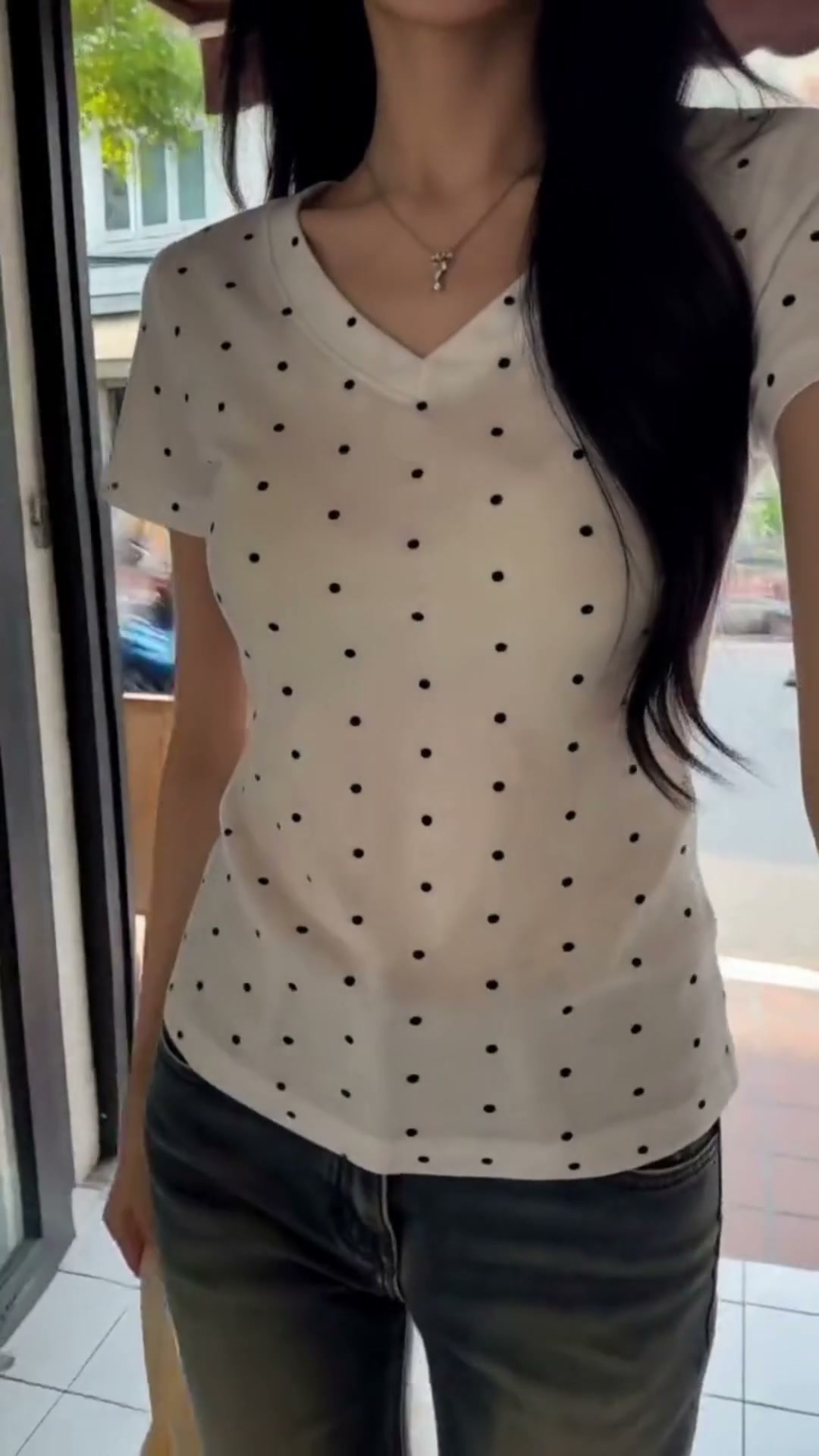
This product video was made with GenLabs. It is vertical and 15 seconds long. Press play with sound to watch the whole clip.
Do you sell clothes, or food and drinks? Each has its own page: Make images and videos for your clothing shop with AI · Make food and drink photos with AI
Make a video from a product photo in 4 steps
It takes 4 steps: upload the photo, write a short brief, pick the presenter and scene, then press create.
- Upload the product photo. One photo is enough, and a phone photo is fine.
- Write a short brief on what the product is and who it is for. One or two lines are enough.
- Pick a Thai AI presenter, a personality and a scene that fit the product.
- Press create. The video is ready in 2 minutes. Then download it, or schedule it to TikTok, Instagram and Facebook.
You do not write prompts. GenLabs writes them from your product and the direction you pick. If you want to add your own touch, you can type it in. New stock arrives today, you take the photo today, and you can post the video today.
The photo to take before you upload
- The whole product is in the frame.
- The label faces the camera and the text is readable.
- The light is bright, window light is enough, with no glare on the label.
- The background is plain, with nothing in front of the product.
What does it cost?
You make videos on a monthly GenLabs plan. The smallest plan is Startup at ฿599 a month. Pay by card with a monthly renewal, or by PromptPay, paid once for 30 days.
- Startup ฿599 a month (1 connected social account)
- Pro ฿1,990 a month (unlimited social accounts)
- Business ฿4,990 a month (unlimited social accounts)
How many credits one video uses is in question 3 of the FAQ below.
What to know before you start
Look at every finished video closely before you post it.
- Check the label, the text on the pack and the small details of the product. An AI video may not keep every one. Check the Thai text on screen too.
- The standard length is 10-15 seconds, not a video of several minutes.
- Videos use your plan's credits. Plan credits do not carry over to the next period.
- There is no free trial video at signup. The trial credits you get at signup are for trying images.
- The presenter is a character made by AI, not a real person. If you want to be on screen yourself, film it yourself.
Frequently asked questions
How do I make an AI video from a product photo?
It takes 4 steps. Upload one product photo, even a phone photo. Write a short brief on what the product is and who it is for. Pick a Thai AI presenter, a personality and a scene, then press create. The 10-15 second video is ready in 2 minutes. Then download it, or schedule it to TikTok, Instagram and Facebook.
Can I make an AI video from a photo for free?
Not in GenLabs. Video needs a monthly plan, from ฿599 a month. The 10 trial credits you get at signup are for trying images, not video. The free image tools on the site, such as background remover, watermark remover and image resizer, work without an account, but they do not make video.
How many credits does one video use?
A 10-15 second video uses 15 credits, and a standard image uses 1 credit. The Startup plan has 80 credits a month, which is 5 videos if you use them on video only. Pro has 400 credits, which is 26 videos, and Business has 1,600 credits, which is 106 videos. A 20 or 30 second video uses more credits. Plan credits do not carry over to the next period. If you run out, you can buy a Boost, for example Quick Boost, 100 credits for ฿490, which never expires but needs an active plan.
Do I have to write the prompt myself?
No. GenLabs writes the prompt from your product photo and the direction you pick. If you want to add your own touch, you can type it in.
Will the video match my real product and show a readable label?
Not every time. An AI video may not keep every word on the label or every small detail of the product. Look closely at each video before you post it, especially the product name, the text on the pack and the Thai text on screen. Before you upload, take a photo that shows the whole product and a clear label.
Can I post the video to TikTok, Reels and Shorts?
Yes. The video is vertical and 10-15 seconds long. You can schedule it to TikTok, Instagram and Facebook from GenLabs. Startup connects 1 social account, and Pro and Business connect unlimited accounts. For other channels, such as YouTube Shorts, download the file and post it yourself.