
Beautiful Product Photos, Limited Budget?
Every small brand owner knows that product images are the first thing customers use to decide whether to click or scroll past. Better photos = more trust = more sales.
But professional product photography has a price — ฿3,000-15,000 per session, plus props, studio rental, and scheduling delays.
If you have 20 SKUs but a limited photography budget, what do you do?
Good Product Photos Don't Have to Be Expensive
The good news: you don't need a professional photographer every time. Start with what you already have. And when you need to scale, there are options far more cost-effective than booking another shoot.
Here are 5 methods small brands can use today.
5 Product Photography Methods That Actually Sell
1. Phone Camera + Natural Light
You don't need an expensive camera. Phone photography works well with basic technique:
- Shoot near a window in the morning or afternoon — soft, even light
- Use white paper or clean fabric as a background — simple and clean
- Use Portrait mode or 2x lens — creates depth of field that makes the product pop
- Shoot multiple angles — front, side, 45-degree. Different angles work for different platforms
2. Compose So the Product Is the Star
The most common mistake: too many objects crowding the frame until the product disappears.
Simple rules:
- Product in center or use rule of thirds
- At least 20% empty space around the product — let it breathe
- No more than 2-3 props relevant to the product (e.g., sunscreen with a hat and sunglasses)
3. Invest in Simple Backgrounds
Backgrounds change the entire mood:
- White paper — classic, perfect for Shopee/Lazada
- Marble or wood — adds premium feel, ideal for Instagram
- Textured fabric — lifestyle look, great for beauty/fashion
- Simple backdrops cost ฿100-300 and last forever
4. Edit With Free Apps
A few quick adjustments make a big difference:
- Adjust brightness + contrast to make the product pop
- Remove distractions — dust, fingerprints, odd shadows
- Crop to platform ratio — 4:5 for Instagram, 1:1 for Shopee
Free apps that work well: Snapseed, Lightroom Mobile, VSCO
5. When You Need to Scale — Use AI Product Images
The first 4 methods are great for getting started. But when you have multiple SKUs, post across multiple platforms, or need various styles for campaigns — shooting each product one by one becomes a bottleneck.
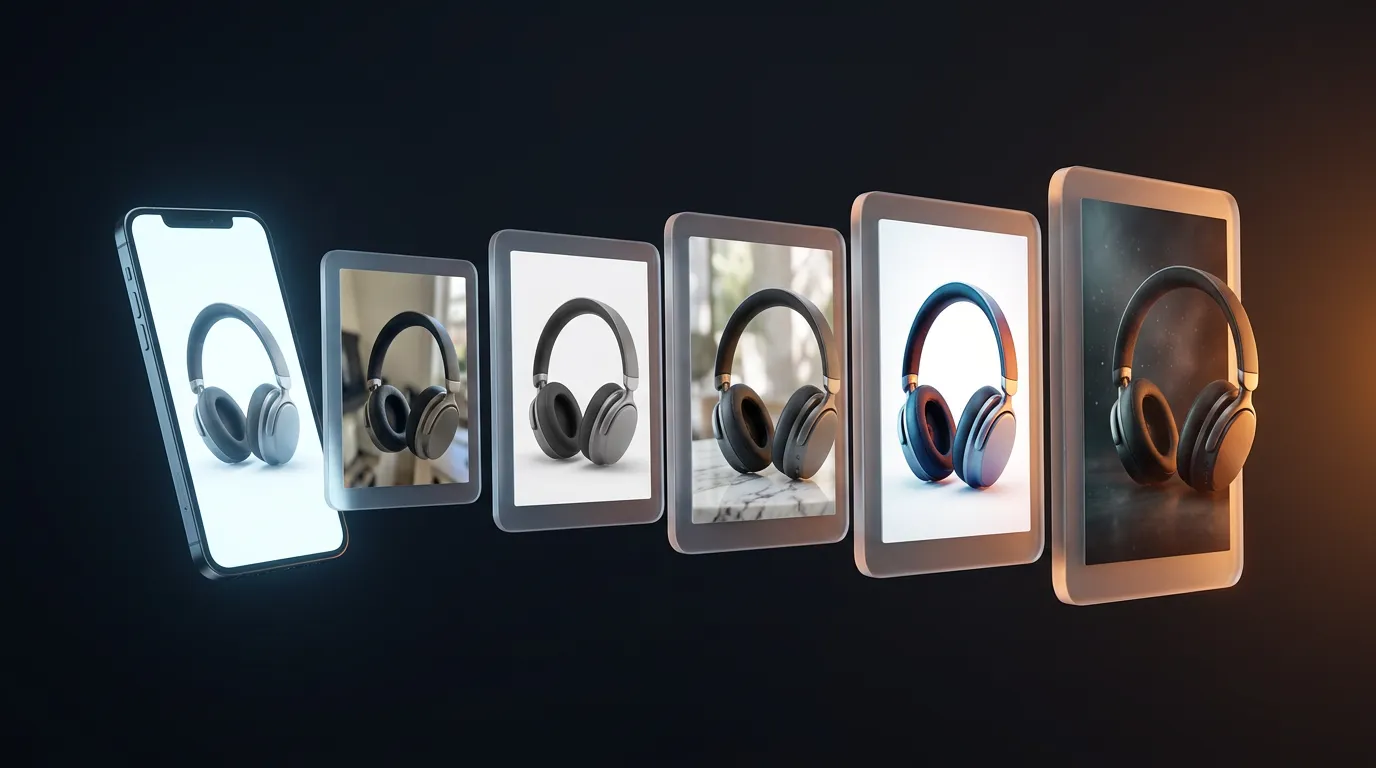
The solution: AI product images. Upload one photo, get multiple styles and sizes, ready to post immediately.
Far cheaper and faster than another photoshoot.
GenLabs — Turn 1 Product Photo Into a Month of Content
GenLabs was built to solve exactly this problem.
- Upload a product photo from your phone or camera
- AI isolates the product from the background automatically — no manual background removal
- Choose from 500+ styles — studio, lifestyle, luxury, pop art, seasonal
- Get ready-to-post visuals in under 1 minute, auto-resized for every platform
Starting at ฿99 (10 credits, never expire) — far less than a single photography session.
Used by 574+ creators, 11,000+ visuals generated, 4.9/5 average rating.
Try It
Whether you shoot your own product photos or you're ready to let AI help — the important thing is to start creating images that sell today.